










Looking to boost your app's visibility and acquire more users? Our 2025 ASO Report is your ultimate guide to navigating the evolving app store landscape. Packed with data-driven insights, keyword trends, and top-ranking app strategies, this report will equip you with the knowledge to optimize your app's presence and achieve organic growth.
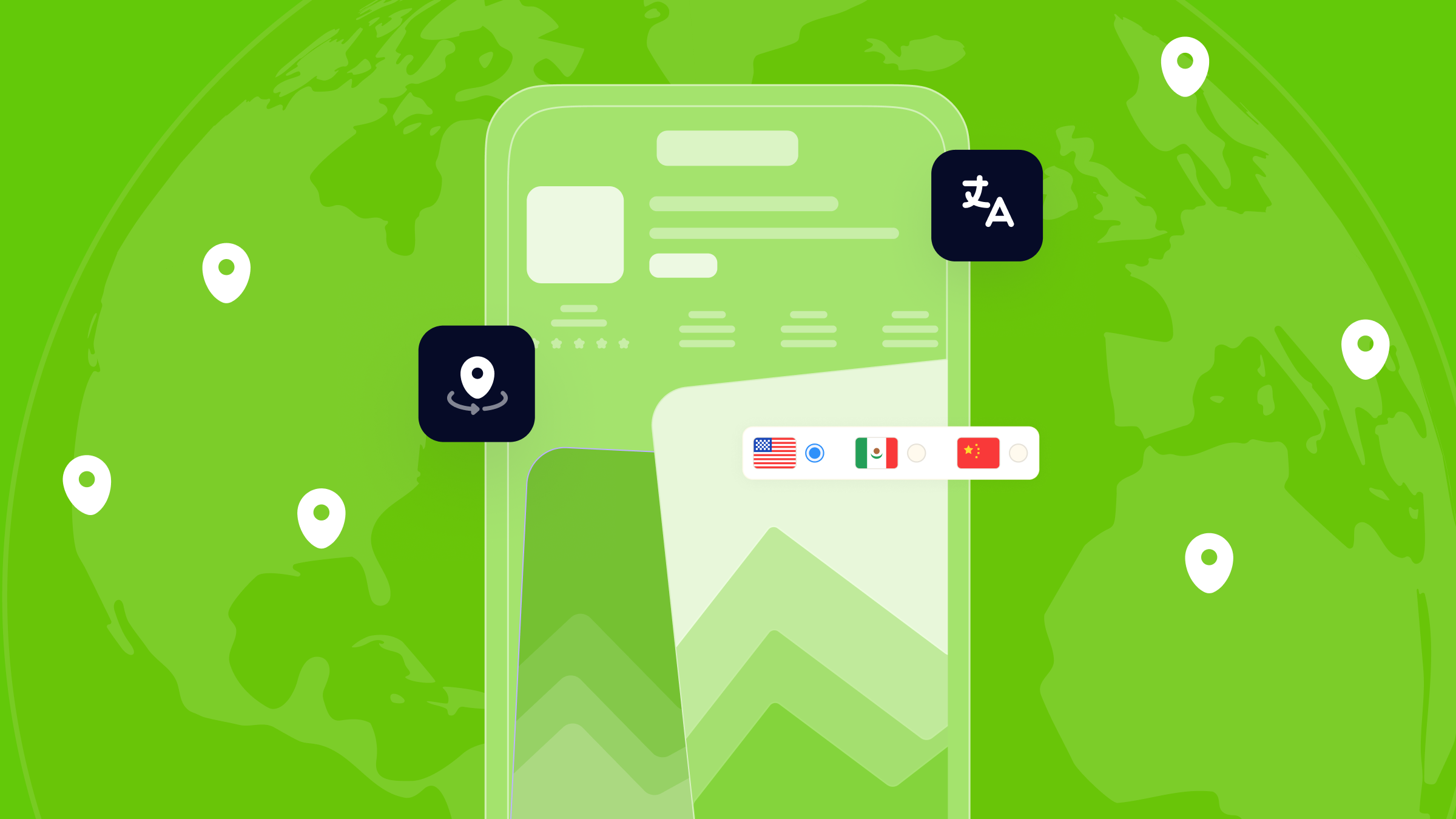
When you publish an app on the App Store, you can add your metadata in more than one language. Apple supports multiple languages per territory. That means your app listing can appear in different languages depending on where the user is and what language they use.
This article explains how Apple defines App Store localizations, how to read the official territory-language table, and how ASO practitioners have approached multi-locale metadata strategy. Throughout this article, we clearly separate what Apple documents from what is common industry practice.
Key takeaways
Cross-localization is one of the highest-leverage, lowest-cost techniques in App Store optimization. The character space is already there; it just requires a deliberate strategy to fill it correctly.
The principles to carry forward:
- The App Store indexes keywords from both primary and secondary locales for each territory
- The US App Store has nine secondary locales, giving well-optimized apps access to 10x the baseline keyword space
- Keywords must not be duplicated across locales
- Phrase combinations only form within a single locale, not across them
- Visible metadata fields (title, subtitle) should be localized; keyword fields can be used for additional target-language keywords
- Setting a non-standard locale as your primary locale can add global keyword coverage
- Every localization decision should be grounded in keyword research
What is cross-localization on the App Store?
Cross-localization is using more than one App Store localization as part of your metadata workflow (for example, adding extra locales that Apple supports in a country/region).
For each App Store territory, Apple indexes keywords from more than one language locale. Every territory has a primary locale, the default language for that market. Most territories also have one or more secondary locales that Apple also crawls and indexes for search ranking in that territory.
The opportunity: If your app has metadata filled in for a secondary locale, the keywords in that metadata contribute to your search rankings in the primary territory, even if the secondary locale is not the user’s language.
This means a US-targeting app can rank for English keywords placed in the Spanish (Mexico) metadata, Russian metadata, or Korean metadata, because all of those are secondary locales that the US App Store indexes. The user never sees the keyword field. You are not deceiving anyone. You are filling metadata space that Apple has already decided to index.
What fields you can localize
In App Store Connect, the following metadata fields can be localized per language:
- App name (30 characters)
- Subtitle (30 characters)
- Keywords (100 characters)
- Description (4,000 characters)
- Promotional text (170 characters)
- Screenshots and app previews
Each locale gets its own set of these fields. You fill them in independently inside App Store Connect.
This is App Store-only. Google Play indexes content differently and does not operate on a primary/secondary locale structure. Everything in this blog applies exclusively to the iOS App Store.
How App Store indexing works across locales
Each App Store territory has one primary locale (the default language) and, in most cases, one or more secondary locales (additional languages that are also indexed). Keywords entered in both the primary and secondary locale metadata contribute to the app’s search ranking in that territory.
The following table covers the primary and secondary locales indexed per App Store territory. This is the foundational reference for any cross-localization strategy.
| Territory | Primary Locale | Secondary Locales Indexed |
| Afghanistan | English (UK) | |
| Albania | English (UK) | |
| Algeria | Arabic | French, English (UK) |
| Angola | English (UK) | |
| Anguilla | English (UK) | |
| Antigua and Barbuda | English (UK) | |
| Argentina | Spanish (Mexico) | English (UK) |
| Armenia | English (UK) | |
| Australia | English (Australia) | English (UK) |
| Austria | German | English (UK) |
| Azerbaijan | English (UK) | |
| Bahamas | English (UK) | |
| Bahrain | Arabic | English (UK) |
| Barbados | English (UK) | |
| Belarus | English (UK) | |
| Belgium | English (UK) | French, Dutch |
| Belize | Spanish (Mexico) | English (UK) |
| Benin | English (UK) | French |
| Bermuda | English (UK) | |
| Bhutan | English (UK) | |
| Bolivia | Spanish (Mexico) | English (UK) |
| Bosnia and Herzegovina | English (UK) | Croatian |
| Botswana | English (UK) | |
| Brazil | Portuguese (Brazil) | English (UK) |
| British Virgin Islands | English (UK) | |
| Brunei | English (UK) | |
| Bulgaria | English (UK) | |
| Burkina Faso | English (UK) | French |
| Cambodia | English (UK) | French |
| Cameroon | French | English (UK) |
| Canada | English (Canada) | French (Canada) |
| Cape Verde | English (UK) | |
| Cayman Islands | English (UK) | |
| Chad | English (UK) | French, Arabic |
| Chile | Spanish (Mexico) | English (UK) |
| China | Chinese (Simplified) | English (UK) |
| Colombia | Spanish (Mexico) | English (UK) |
| Congo, Democratic Republic | English (UK) | French |
| Congo, Republic | English (UK) | French |
| Costa Rica | Spanish (Mexico) | English (UK) |
| Cote d’Ivoire | French | English (UK) |
| Croatia | English (UK) | Croatian |
| Cyprus | English (UK) | Greek, Turkish |
| Czech Republic | English (UK) | Czech |
| Denmark | English (UK) | Danish |
| Dominica | English (UK) | |
| Dominican Republic | Spanish (Mexico) | English (UK) |
| Ecuador | Spanish (Mexico) | English (UK) |
| Egypt | Arabic | French, English (UK) |
| El Salvador | Spanish (Mexico) | English (UK) |
| Estonia | English (UK) | |
| Eswatini | English (UK) | |
| Fiji | English (UK) | |
| Finland | English (UK) | Finnish |
| France | French | English (UK) |
| Gabon | French | English (UK) |
| Gambia | English (UK) | |
| Germany | German | English (UK) |
| Ghana | English (UK) | |
| Greece | Greek | English (UK) |
| Grenada | English (UK) | |
| Guatemala | Spanish (Mexico) | English (UK) |
| Guinea-Bissau | English (UK) | French |
| Guyana | English (UK) | French |
| Honduras | Spanish (Mexico) | English (UK) |
| Hong Kong | Chinese (Traditional) | English (UK), Cantonese |
| Hungary | Hungarian | English (UK) |
| Iceland | English (UK) | |
| India | Hindi | English (UK) |
| Indonesia | Indonesian | English (UK) |
| Iraq | English (UK) | Arabic |
| Ireland | English (UK) | |
| Israel | Hebrew | English (UK) |
| Italy | Italian | English (UK) |
| Jamaica | English (UK) | |
| Japan | Japanese | English (US) |
| Jordan | Arabic | English (UK) |
| Kazakhstan | English (UK) | |
| Kenya | English (UK) | |
| Kosovo | English (UK) | |
| Kuwait | Arabic | English (UK) |
| Kyrgyzstan | English (UK) | |
| Laos | English (UK) | French |
| Latvia | English (UK) | |
| Lebanon | Arabic | French, English (UK) |
| Liberia | English (UK) | |
| Libya | English (UK) | Arabic |
| Lithuania | English (UK) | |
| Luxembourg | English (UK) | French, German |
| Macau | Chinese (Traditional) | English (UK), Cantonese |
| Madagascar | English (UK) | French |
| Malawi | English (UK) | |
| Malaysia | Malay | English (UK) |
| Maldives | English (UK) | |
| Mali | English (UK) | French |
| Malta | English (UK) | |
| Mauritania | Arabic | French, English (UK) |
| Mauritius | English (UK) | French |
| Mexico | Spanish (Mexico) | English (UK) |
| Micronesia | English (UK) | |
| Moldova | English (UK) | |
| Mongolia | English (UK) | |
| Montenegro | English (UK) | Croatian |
| Montserrat | English (UK) | |
| Morocco | English (UK) | Arabic, French |
| Mozambique | English (UK) | |
| Myanmar | English (UK) | |
| Namibia | English (UK) | |
| Nauru | English (UK) | |
| Nepal | English (UK) | |
| Netherlands | Dutch | English (UK) |
| New Zealand | English (Australia) | English (UK) |
| Nicaragua | Spanish (Mexico) | English (UK) |
| Niger | English (UK) | French |
| Nigeria | English (UK) | |
| North Macedonia | English (UK) | |
| Norway | Norwegian | English (UK) |
| Oman | English (UK) | Arabic |
| Pakistan | English (UK) | |
| Palau | English (UK) | |
| Panama | Spanish (Mexico) | English (UK) |
| Papua New Guinea | English (UK) | |
| Paraguay | Spanish (Mexico) | English (UK) |
| Peru | Spanish (Mexico) | English (UK) |
| Philippines | English (UK) | |
| Poland | Polish | English (UK) |
| Portugal | Portuguese (Portugal) | English (UK) |
| Qatar | English (UK) | Arabic |
| Romania | Romanian | English (UK) |
| Russia | Russian | English (UK), Ukrainian |
| Rwanda | English (UK) | French |
| Sao Tome and Principe | English (UK) | |
| Saudi Arabia | Arabic | English (UK) |
| Senegal | English (UK) | French |
| Serbia | English (UK) | Croatian |
| Seychelles | English (UK) | French |
| Sierra Leone | English (UK) | |
| Singapore | English (UK) | Chinese (Simplified) |
| Slovakia | English (UK) | Slovak |
| Slovenia | English (UK) | |
| Solomon Islands | English (UK) | |
| South Africa | English (UK) | |
| South Korea | Korean | English (UK) |
| Spain | Spanish (Spain) | English (UK), Catalan |
| Sri Lanka | English (UK) | |
| St. Kitts and Nevis | English (UK) | |
| St. Lucia | English (UK) | |
| St. Vincent and the Grenadines | English (UK) | |
| Suriname | Dutch | English (UK) |
| Sweden | Swedish | English (UK) |
| Switzerland | German | English (UK), French, Italian |
| Taiwan | Chinese (Traditional) | English (UK) |
| Tajikistan | English (UK) | |
| Tanzania | English (UK) | |
| Thailand | Thai | English (UK) |
| Tonga | English (UK) | |
| Trinidad and Tobago | English (UK) | French |
| Tunisia | Arabic | French, English (UK) |
| Turkey | Turkish | English (UK) |
| Turkmenistan | English (UK) | |
| Turks and Caicos Islands | English (UK) | |
| Uganda | English (UK) | |
| Ukraine | Ukrainian | Russian, English (UK) |
| United Arab Emirates | Arabic | English (UK) |
| United Kingdom | English (UK) | English (Australia) |
| United States | English (US) | Spanish (MX), Russian, Chinese (Simplified), Arabic, French, Portuguese (BR), Chinese (Traditional), Vietnamese, Korean |
| Uruguay | Spanish (Mexico) | English (UK) |
| Uzbekistan | English (UK) | |
| Vanuatu | English (UK) | French |
| Venezuela | Spanish (Mexico) | English (UK) |
| Vietnam | Vietnamese | English (UK) |
| Yemen | Arabic | English (UK) |
| Zambia | English (UK) | |
| Zimbabwe | English (UK) |
For a large majority of global App Store territories, English (UK) is indexed as a secondary locale. This means your English (UK) metadata is quietly contributing to your keyword reach in dozens of markets, regardless of whether those territories are your primary targets.
The real keyword math
Here is what cross-localization means in character terms for a US-targeting app:
- English (US): 30 + 30 + 100 = 160 characters
- Spanish (MX): 30 + 30 + 100 = 160 additional characters
- Russian: 30 + 30 + 100 = 160 additional characters
- French, Arabic, Korean, Portuguese (BR), Chinese, Vietnamese: 160 each
An app with all nine secondary US locales filled can access up to 1,440 characters of keyword metadata that feeds directly into US App Store rankings, compared to 160 for an app using only English (US).
Not every team will use all nine. But even activating two or three secondary locales with targeted English keywords can yield a material increase in keyword coverage.
How to configure localizations in App Store Connect
Adding a new language
To add a localization in App Store Connect:
- Open your app record.
- Go to the version you want to edit.
- Scroll to the App Store Information section.
- Select a language from the available list.
- Fill in the localizable fields for that language: name, subtitle, keywords, description, and promotional text.
- Upload localized screenshots or previews if needed.
You can add as many languages as Apple supports. Each language is managed independently.
Setting your primary language
Your primary language in App Store Connect is the language Apple uses as the fallback if a specific localization is not available. Apple mentions this as one of the factors that affects which language is shown to a user.
To check or update your primary language, go to your app’s information page in App Store Connect. The primary language is set at the app level, not the version level.
Locale fallback behavior (industry observation)
ASO practitioners have also noted a fallback behavior: if a specific locale is not active, a related locale may be used instead. For example, if French (Canada) is not enabled but French (France) is, the French (France) metadata may serve French-speaking users in Canada until a French (Canada) localization is explicitly activated.
Cross-localization strategy that works (rules + step-by-step workflow)
Step 1: Map your priority territories
Start with the territories where your app has the most installs or the most potential. Open Apple’s territory table. For each territory, note the default language and any additional supported languages.
Step 2: Audit your current locale coverage
Check which locales you currently have active in App Store Connect. Compare this against the supported languages for your key territories. You may find supported languages that you have not yet activated.
Step 3: Plan your keyword allocation
Each locale has its own 30-character name field, 30-character subtitle, and 100-character keyword field. That is up to 160 characters of indexable metadata per locale.
To avoid waste, do not repeat the same keyword across the primary and secondary locale, unless you specifically need it to form keyword combinations within a single locale. Use each locale’s fields for distinct terms.
Step 4: Keep visible metadata readable
The app name and subtitle are shown directly to users. If users in a territory see your listing, they will read these fields. Make sure the name and subtitle are in a language they can understand.
Mixing languages in the keyword field is not visible to users, they never see that field. Mixing languages in the title is visible and can affect user trust. Localize visible fields for your audience; use the keyword field more flexibly.
Step 5: Avoid exact duplication across locales
Duplicating your primary locale’s metadata into a secondary locale wastes your available character space. Each locale should contribute unique content, not repeat what you have already submitted elsewhere.
Common cross-localization mistakes
Activating a locale but leaving fields empty. An empty locale does not help. If you add a language, fill in the fields with intention.
Duplicating your primary locale into every secondary locale. This wastes your available space. Each locale should contain distinct content.
Repeating every keyword across all locales. Repetition reduces the total number of unique keywords you can potentially reach. Use each locale to expand your coverage, not duplicate it.
Ignoring the visible metadata fields. Titles and subtitles are seen by users. Even if your primary goal is keyword coverage, do not neglect how these fields appear to real people.
How MobileAction supports cross-localization strategy
The execution of a strong cross-localization strategy depends on the quality of the keyword data it is built on. Guessing which terms to place in secondary locale fields is not a strategy. It is a metadata filler.
MobileAction’s ASO Intelligence gives teams the data infrastructure to make cross-localization decisions with precision.
For teams managing apps across multiple markets simultaneously, the scale of MobileAction’s data infrastructure (6M+ keywords, 5M+ apps tracked across the App Store and Play Store) makes it possible to build localization strategies grounded in real search behavior rather than assumptions.
Start your cross-localization strategy with a data-backed foundation. Explore MobileAction’s ASO Intelligence tools and see the keyword opportunities your current metadata is leaving on the table.
Frequently asked questions
Does Apple confirm that secondary language metadata affects keyword indexing in the same territory?
Apple does not describe keyword indexing behavior in the documentation cited in this article. Apple documents which languages are supported per territory, but does not explain how its algorithm processes metadata across locales. The indexing behavior described in this article is based on industry observation.
Do I need to translate my full app to add a secondary locale?
No. App Store Connect metadata localization is separate from the app’s content or interface. You can add a localized metadata entry without changing anything in your app binary.
How much character space is available per field?
- App name: 30 characters
- Subtitle: 30 characters
- Keywords: 100 characters
- Description: 4,000 characters
- Promotional text: 170 characters
These limits apply per locale.

Content Marketing Specialist
Resources that you'll love



Grow your app on the App Store and Google Play Store with our solutions now