








Running app marketing campaigns means starting every day with questions. Conditions change daily, so you check dashboards constantly to prepare reports and find your next move. Every performance question, from rising CPAs to fading keywords, means pulling reports, aligning date ranges, and piecing the story together by hand. And even after all that checking, the numbers show you what changed, never why.
Some app marketers have started taking those questions to AI tools. Usually that means exporting a couple of CSVs and uploading them to the selected tool like ChatGPT, Claude or Gemini, which gets you an analysis of a snapshot. No campaign history, no context behind the numbers, no idea what last month looked like. Ask a generic AI directly, and it does even less, telling you what an Apple Ads campaign is or how trends look according to internet research. Nothing about your campaigns.
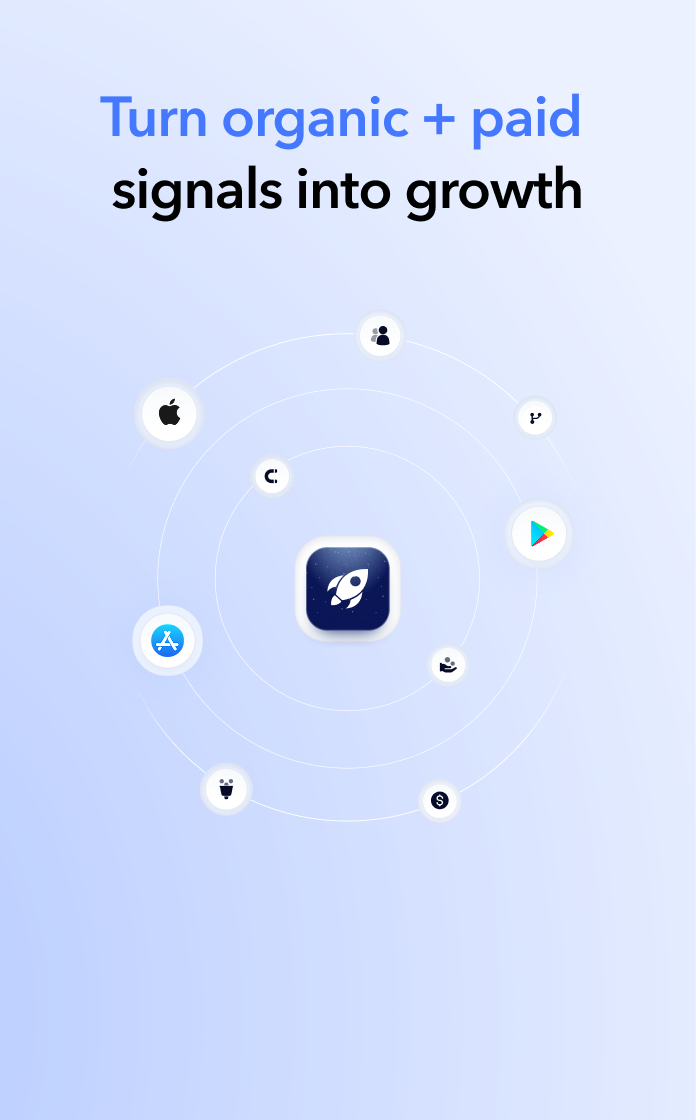
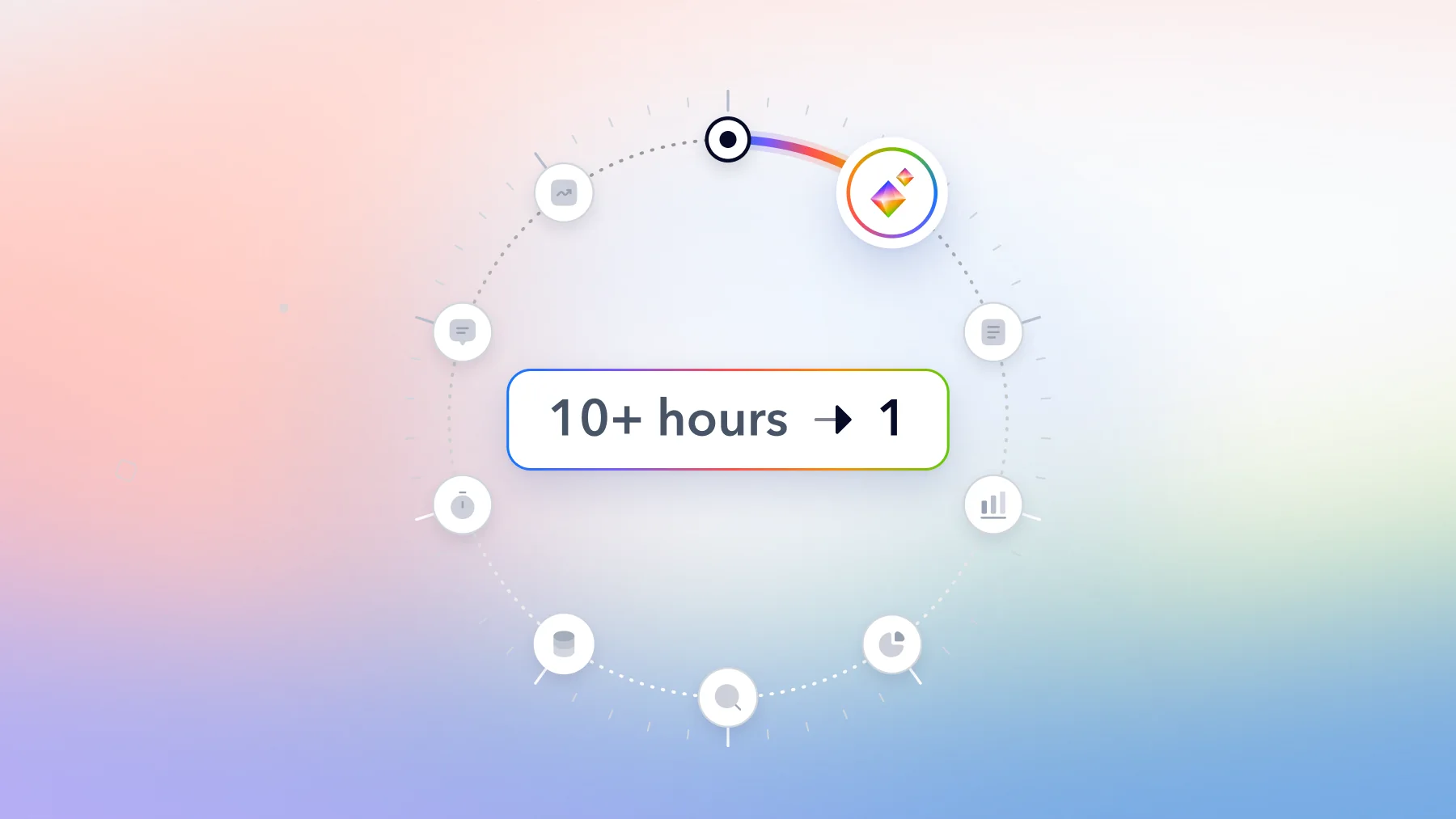
Today we are launching a better solution. The MobileAction AI Assistant is now in open beta, inside the MobileAction CMP, working like a teammate who knows your campaigns, your keywords, and Apple Ads inside out.
Ask anything about your campaigns
The AI Assistant lives behind the Ask AI button located in the platform. Select a campaign group, ask in natural language, and get a direct, analyst-grade answer with the data behind it.
Here are a few examples of what you can ask:
- Understand your setup: “Which ad groups under my ‘US Launch’ campaign have no active keywords?”
- Track performance: “What is my total ad spend in the last 14 days in the US?”
- Cut waste: “Which keywords spent over $100 in the last 30 days without bringing installs?”
- Find growth: “Show me keywords where ROI is above target and increasing max CPT could raise impression share.”
- Diagnose changes: “Why did my CPA increase on September 26 for ‘US Brand Campaign’?”
- Pace budget: “How should I redistribute my budget to maximize performance between campaigns?”
Take the diagnostic questions as an example of what changes. Dashboards can show you a rising CPA. The AI Assistant reads the data across campaigns, ad groups, and keywords, then explains the likely causes behind the movement, so you understand why a metric moved without spending hours on analysis.
Why we built the analyst functionality first
When we asked app marketers about AI in their workflow, the most common concern was trust, not capability. Can I rely on what the AI tool tells me, and how do I know it is not hallucinating an answer that sounds right? That question shaped how we built the first version of the AI Assistant, with four design choices.
It answers from your account. Performance responses come from the campaign group you select, so answers about your campaigns are actually about your campaigns, analyzed with their full history rather than a snapshot.
You know what’s behind every number. Each answer states the exact date range it analyzed and filters out low-volume records, so a number never arrives without its context. A keyword with only two or three installs might show a great CPA, but there isn’t enough data behind it, so the assistant leaves records like that out of the math instead of letting luck look like performance.
It says what it cannot know. Because auction participant data is not available, the assistant will not name your competitors in one. It tells you so, and analyzes CPT, the price you actually pay, as the closest signal of competitive pressure. An assistant that admits its limits is one you can trust when it does answer.
It reaches beyond your account when you need it to. For what your own data can’t answer alone, MobileAction’s market intelligence of 5M+ apps and 10M+ keywords steps in, with new keyword suggestions filtered against what’s already in your account.
Get recommendations, decide what gets applied
The AI Assistant analyzes and recommends, but it never changes anything in your account. Every change has outcomes you can’t rewind, whether it’s a bid that overspends for a day or a deleted keyword’s lost history, and that’s exactly why applying any change stays your decision. For all hard-to-reverse steps, it recommends what to do first rather than taking action.
The same principle applies to activating tool usage, so you have full control from day one. AI features are off by default, and the assistant becomes available only when an account admin grants Generative AI Features consent in Settings or directly in the Ask AI window.
How to get access
The open beta is live, and spots are limited, so request access before they fill up. Once an account admin grants consent, click Ask AI and ask your first question. Every response can be rated inside the product, and that feedback goes straight into improving answer quality during the beta.

Content Marketing Manager
Resources that you'll love



Grow your app on the App Store and Google Play Store with our solutions now