









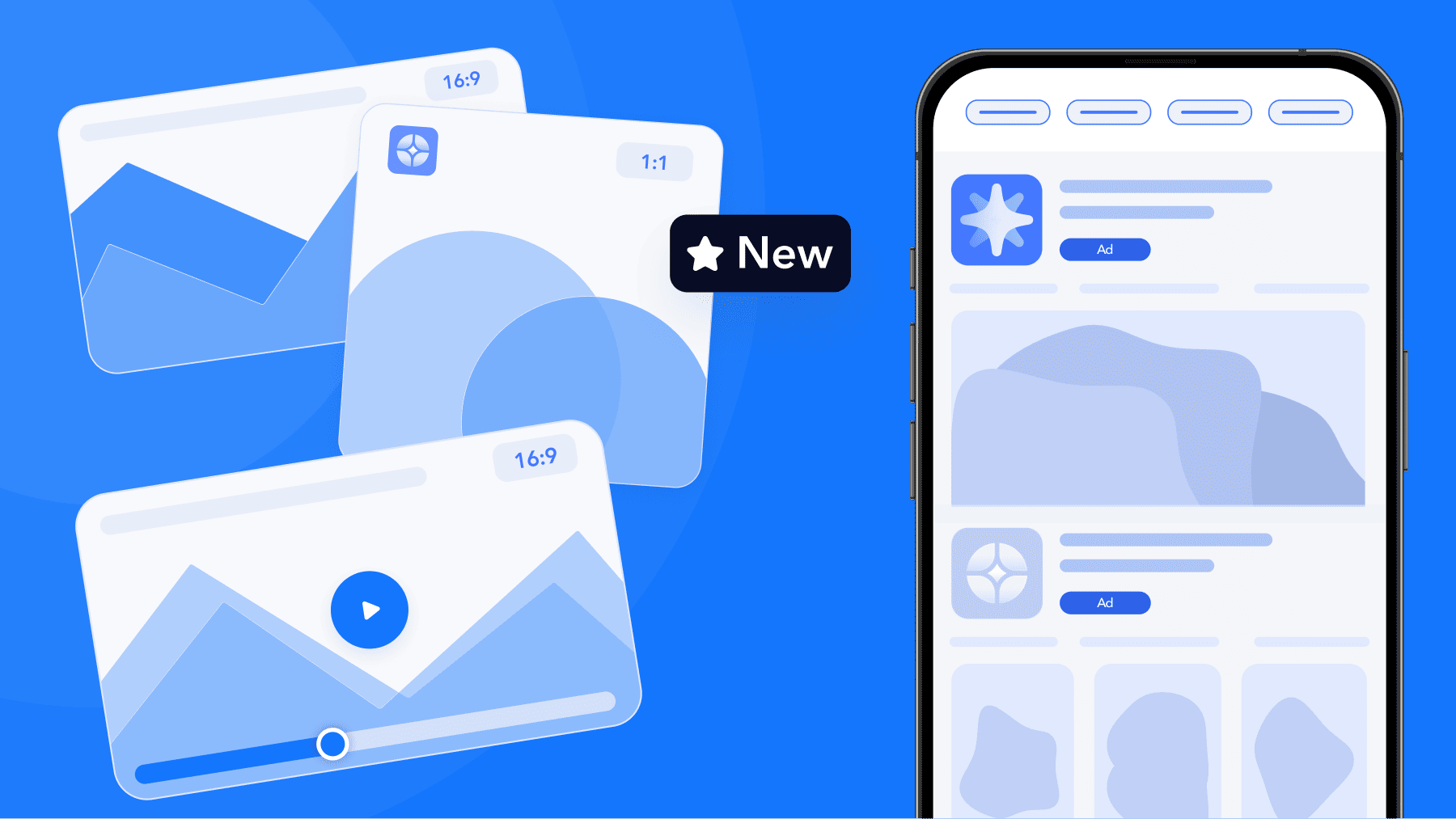
At WWDC 2026, Apple introduced creative assets: images and videos that can appear on your product page header and in search results, managed through a new Asset Library in App Store Connect and submitted independently of an app version. Both are set to begin rolling out in fall 2026, right before the holiday season.
Creative assets give ASO and UA teams a new surface to work with across the journey. It also adds one more surface that has to line up with the ones already there: the ad creative, the product page it points to, and the first session after install.
In this article, we map that journey across four stages, from the first impression through to the first session, and show where each stage is configured.
Disclaimer: Figures referenced in this article are estimates generated by MobileAction’s CPP Intelligence and are not sourced from or verified by Apple. The app examples highlighted in this article were identified through MobileAction’s platform as observed market activity. Unless explicitly stated, inclusion of an app does not indicate a client relationship with MobileAction.
What a consistent creative journey means on the App Store
A creative journey is the sequence of visuals and messages a user sees between discovering your app and using it. Four stages, four different places where the decision gets made:
The impression. Your ad or organic listing appears on the App Store.
The tap destination. Whether that tap lands on your default product page or on one of your custom product pages.
The creative assets on the product page. Header, screenshots, previews, description.
The first session. Onboarding, paywall, and the first task a user completes.
Most teams optimize each stage against its own metric. Ads are measured on tap-through rate, product pages on conversion rate, onboarding on day-one retention. That structure is reasonable, and it is also why journeys drift. Nobody owns the transition between stages.
Consistency does not mean identical visuals at every step. It means a user can predict the next screen from the one they are looking at.
Stage 1: The impression
Apple Ads offers four placements on the App Store, and each one shapes the first impression differently:
Today tab ads appear on the front page of the App Store, in a format built for discovery rather than intent.
Search tab ads appear before a user types a query, surfacing your app during exploration.
Search results ads can appear in the first ad position and in additional ad positions within results for a given keyword.
Product page ads appear on product pages of relevant apps, in the You Might Also Like section.
The creative you control at this stage varies by placement, and this is where the first misalignment usually happens.
Ad variations apply to search results ads only. They let you show different creative sets against different keyword themes, so a user searching “budget tracker” and a user searching “crypto wallet” can see different messaging for the same finance app. For Today tab ads and Search tab ads, the creative shown is drawn from your product page assets, and the custom product page you assign becomes the tap destination.
That distinction matters for planning. Keyword-level creative control lives in search results campaigns. For the other three placements, consistency is achieved through which custom product page you point the ad to, not through variation at the ad level.
Practical check: list your active campaigns by placement and note which creative surface each one actually controls. In our experience, teams often assume ad variations are running across all four placements and plan creative production accordingly.
Stage 2: The tap destination
Custom product pages are where the ad’s promise either carries over or breaks. They let you build alternate versions of your product page, each with its own screenshots, app previews, and promotional text, and assign them to specific campaigns or audiences.
A good custom product page carries the promise of the ad forward. A user who taps an ad about offline maps lands on a page that leads with offline maps. The user does not have to work out whether they tapped the right thing.
Custom product pages support both paid and organic journeys. They can be assigned as the tap destination for Apple Ads campaigns, and they can also surface through the unique URL you share in your own channels. On iOS 18 and iPadOS 18 or later, deep links can take a user from an ad to a specific place inside your app once it is installed, which extends the same continuity past the download.
Three patterns worth building around:
Theme-led pages. One page per feature or use case, mapped to the keyword themes driving your search results campaigns.
Season-led pages. Pages built around a holiday moment, a sale, or a content drop, live only for the window they apply to.
Audience-led pages. Pages tuned to the reason a specific group installs, mapped to the campaigns reaching them.
Multi-page strategies are more established than they look from the outside. Across 1,200 custom product pages we sampled in the United States in the month to 27 August 2026, 719 different apps were running at least one. What separates them is how much of the journey those custom product pages actually carry.
Each row below is a different app in a different category, ordered by how much of its observed impression volume still lands on the default product page:
| App | Category | App Store ratings | Custom product pages observed | Share of observed impressions on the default page |
|---|---|---|---|---|
| Uber Eats: Food & Groceries | Food and Drink | 10.7M | 6 | 6% |
| Lingokids: Games & Shows | Education | 639K | 34 | 18% |
| Facetune: Photo & Video Editor | Photo and Video | 375K | 25 | 32% |
| IHG One Rewards: Book Hotels | Travel | 801K | 16 | 42% |
| Temu: Shop Like a Billionaire | Shopping | 2.2M | 6 | 76% |
| MyFitnessPal: Calorie Counter | Health and Fitness | 2.4M | 15 | 80% |
Every app in that table has built a multi-page library, and the share of impressions still landing on the default page runs from 6% to 80%. Pointing an ad at your default product page is a perfectly reasonable decision, and Apple Ads supports it. But the number of pages you run and the share of the journey they carry are two different things, and MobileAction’s CPP A/B Testing is how you find out which of yours is which.
Stage 3: Creative assets on the product page
The product page is where a user makes the install decision, and it is the stage changing most this fall.
Creative assets are images and videos that can appear on your product page header and in search results on the App Store. Unlike screenshots, they do not have to show the app in use, so they can carry a brand, a season, a feature launch, or new content. They complement your existing screenshots and app previews rather than replacing them.
The Asset Library in App Store Connect brings screenshots, app previews, In-App Events media, and creative assets into one place, organized by platform, size, and the placements each asset is eligible for. Assets are submitted for review on their own, without a version update, and can be approved in advance for use in a future product page update or an Apple Ads campaign.
In our experience, this addresses a common pain point in creative planning: a seasonal concept has often been tied to the app release calendar, so a campaign built for a specific week depended on release timing to go live. Submitting assets independently gives creative and release schedules room to run separately.
Creative assets will reward the teams that already produce video well, and app previews are the clearest measure of where your category stands on that today. Video is where the most headroom sits, and the size of the gap depends on your category. Across the 1,200 pages we sampled, 16% carried an app preview. You can publish up to three app previews on a product page, and up to three may appear in search results. If your category baseline is one page in ten, a preview is close to free differentiation. If it is one in three, not having one is a gap. The baselines are not close together:
| Category | Custom product pages sampled | With an app preview |
|---|---|---|
| Games | 100 | 32% |
| Photo and Video | 200 | 30% |
| Education | 200 | 17% |
| Food and Drink | 100 | 11% |
| Health and Fitness | 400 | 10% |
| Shopping | 200 | 9% |
App Store Connect also gains a preview tool that shows how your header, app name, description, screenshots, and search results creative assets will appear before publishing. Apple publishes a best practices page and free design templates for Figma, Photoshop, and Pixelmator, which is the right starting point for your design team.
The consistency question for this stage is straightforward: does the header a user sees at the top of the page belong to the same story as the screenshots below it, and to the ad that brought them there?
Stage 4: The first session
The final stage sits outside the App Store, and it is the one most often left out of creative planning.
If your ad and product page lead with a specific outcome, the first session should start there. A user who installed offline maps should be able to download a map before anything else asks for attention. A user who is installed for a 12-week strength program should see week one, not a food log.
Three things to align:
The onboarding sequence. The first screen should open on the promise that drove the install, before any feature tour.
The paywall. The plan you promoted in the ad should be the plan shown first.
The visual language. Colors, illustration style, and tone carried through from the product page.
Deep linking from a custom product page to the matching in-app destination is what makes this repeatable at scale.
Start the season with one story
The creative journey is one of the few parts of App Store growth you can improve by coordinating what you already have. Every stage is already configurable. The work is making the stages agree.
The teams that go into this holiday season with ads, custom product pages, product page creative, and onboarding telling one story will get more out of the same spend than the teams treating each stage as a separate project.
That coordination is what MobileAction is built for. MobileAction’s ASO Intelligence covers the organic side of the journey, from a 6M+ keyword database that shows which queries bring users to your product page, to Organic CPP Results, which track how custom product pages perform across both paid campaigns and organic discovery.
MobileAction’s CPP Intelligence benchmarks the custom product pages competitors in your category run and how they are structured. And MobileAction CMP manages Apple Ads campaigns across all four placements, with Automation templates and AI Smart Bidding streamlining campaign management so your team has more time for creative planning.
Book a demo to see how MobileAction connects your organic and paid creative in one workflow before your campaigns go live.

Content Marketing Manager
Resources that you'll love

Grow your app on the App Store and Google Play Store with our solutions now